
A business website should do more than simply look professional. It should help potential customers understand what you offer, build confidence in your business and make it easy for them to take the next step, whether that means calling, requesting a quote or completing an enquiry form.
Planning your website properly before design begins can make a major difference to the results it generates. By understanding your customers, creating the right pages and building a clear journey through the site, you can create a website that supports your marketing and turns more visitors into genuine enquiries.
Step 1: Decide What You Want Your Website to Achieve
Before thinking about colours, images or layouts, decide what you actually want your website to do. For most service businesses, the main goal is usually generating enquiries. However, the exact action you want visitors to take may depend on your business.
Your primary website goal could be:
- Requesting a quote
- Making a phone call
- Completing an enquiry form
- Booking an appointment
- Sending a message
- Requesting a consultation
- Visiting your business location
Choose one main action that matters most. Your website can support several actions, but having one clear priority helps you design a much simpler customer journey. For example, if quote requests are your main goal, your service pages should naturally guide visitors towards a clear Request a Quote button or form.

Step 2: Understand Your Ideal Customer
A website that generates enquiries should be planned around your customers, not around what the business wants to say about itself.
Think carefully about the people you want to attract. Consider what they need, what questions they have and what might stop them from contacting you.
Ask questions such as:
- Who are your ideal customers?
- What problem are they trying to solve?
- Which services are they looking for?
- Where are they located?
- What matters most when choosing a provider?
- What questions do they ask before buying?
- What concerns might prevent them from enquiring?
Understanding these points helps you create website content that speaks directly to the visitor. Instead of simply explaining how great your business is, you can show customers how your services can help them.
Step 3: Understand What Customers Are Searching For
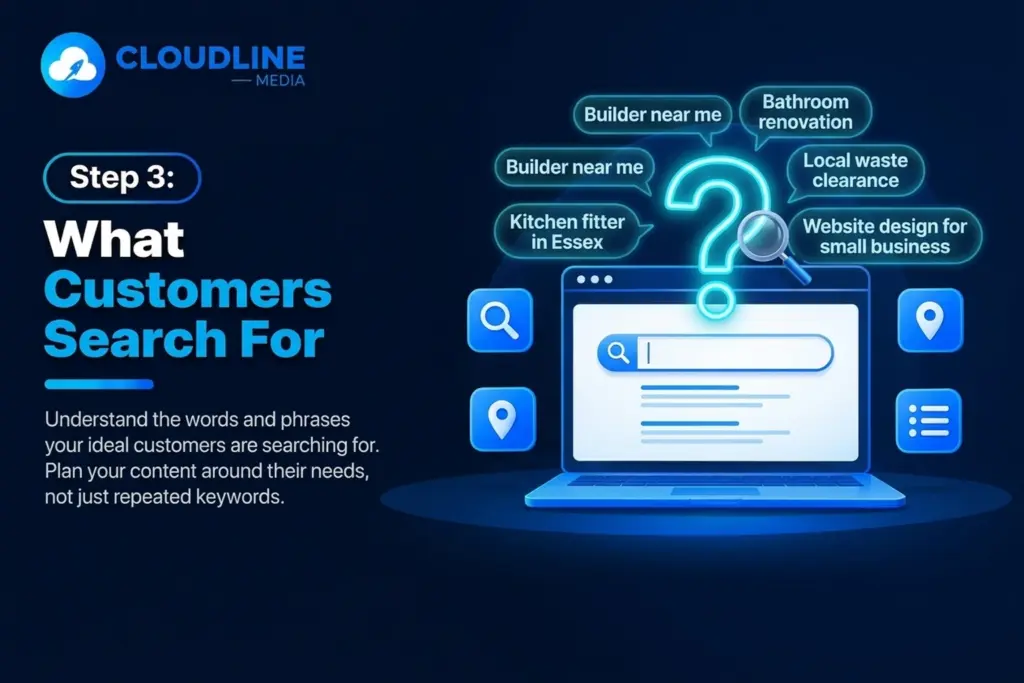
Your customers may arrive on your website through Google, social media, advertising or recommendations. If search engines are part of your marketing strategy, you should understand the words and phrases people use when looking for your services.
For example, someone may search for:
- Builder near me
- Kitchen fitter in Essex
- Bathroom renovation company
- Local waste clearance service
- Website design for small businesses
These searches show what customers actually want. Your website pages should reflect these needs naturally, helping search engines understand your services while giving visitors useful information. Avoid filling pages with repeated keywords. The goal is to create useful content that matches what your potential customers are trying to find.
Step 4: Plan Your Website Structure
A good website structure makes it easy for customers to find the information they need. Before design begins, create a simple list of the pages your website should include.
A typical service business website might include:
- Home
- About
- Services
- Individual service pages
- Areas covered
- Case studies
- Reviews
- Blog
- Frequently asked questions
- Contact
Your exact structure will depend on your business. A company offering several different services should usually create separate pages for its main services rather than placing everything on one general page. This gives customers more detailed information and creates more opportunities for your website to appear in relevant searches.
Step 5: Create Individual Pages for Important Services
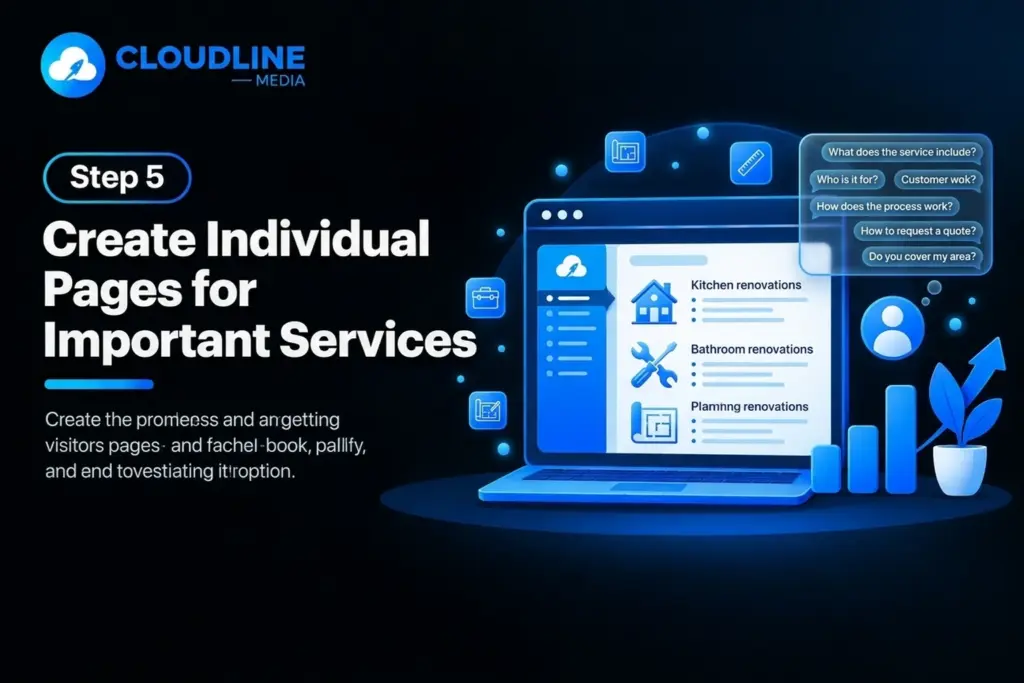
One of the most common website mistakes is trying to explain every service on a single page. If a service is important to your business, it normally deserves its own page. For example, a home improvement business might offer:
- Kitchen renovations
- Bathroom renovations
- Home extensions
- Garage conversions
- Property refurbishments
Each service attracts customers with different needs. Creating individual pages gives you enough space to explain each service clearly and answer the questions potential customers may have.
A strong service page should explain:
- What the service includes
- Who it is suitable for
- Common customer problems
- How your process works
- Areas you cover
- Relevant customer questions
- How to request a quote
Step 6: Plan Your Homepage Around the Customer
Your homepage is often one of the first pages people see, so visitors should quickly understand what your business does. Avoid making customers search through several paragraphs before they understand your offer. The top section of your homepage should clearly communicate:
- What you provide
- Who you help
- Where you operate
- What visitors should do next
For example, a visitor should quickly be able to understand that you provide bathroom renovations in a particular area and that they can request a quote. Your homepage can then guide visitors towards your main services, customer reviews, previous projects and contact options. Keep the journey simple.
Step 7: Create a Clear Value Proposition
Potential customers want to know why they should consider your business. Your value proposition should explain the main benefit of choosing you without filling the page with vague claims.
Avoid statements that could apply to almost every business. Instead, focus on useful reasons that matter to your customers. These may include:
- Clear communication
- Specialist experience
- Fast response times
- Straightforward pricing
- Local knowledge
- Helpful ongoing support
- Simple booking or enquiry process

Step 8: Make Contact Options Easy to Find
If generating enquiries is the goal, visitors should never struggle to find your contact information. Your phone number, enquiry form or main call to action should be visible across important pages.
You may include contact options in:
- Website header
- Main navigation
- Homepage
- Service pages
- Footer
- Contact page
- Mobile menu
Your calls to action should also use clear language. Avoid vague buttons such as Click Here when you can tell visitors exactly what will happen next.
Examples include:
- Request a Quote
- Get in Touch
- Call Today
- Book a Consultation
- Ask About This Service
- Start Your Enquiry
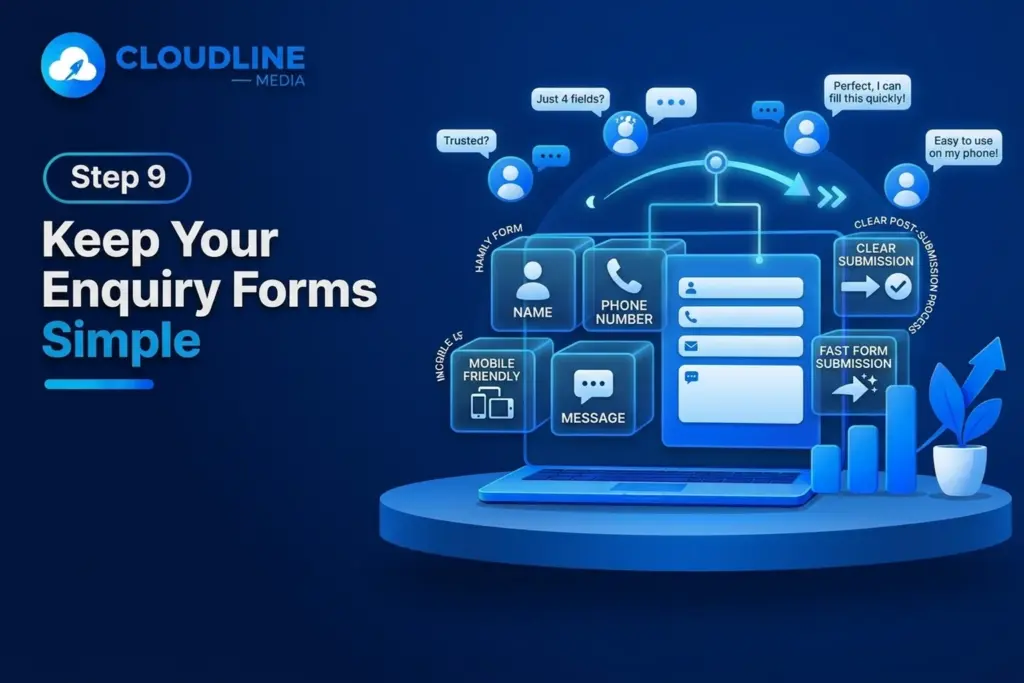
Step 9: Keep Your Enquiry Forms Simple
Long enquiry forms can discourage potential customers. Ask only for the information you genuinely need at the first stage. You can gather additional information once the conversation begins. Make sure the form works properly on mobile devices and clearly explains what happens after submission.
A basic enquiry form may request:
- Name
- Phone number
- Email address
- Service required
- Location
- Short message
Step 10: Build Trust Throughout the Website
Customers are more likely to make an enquiry when they feel confident about the business. Trust should therefore be built across the entire website rather than being limited to one testimonials page.
Useful trust signals can include:
- Genuine customer reviews
- Case studies
- Business information
- Team information
- Real company photos
- Relevant accreditations
- Clear contact details
- Frequently asked questions
- Examples of completed projects
Place trust signals close to important calls to action where possible. For example, a strong customer review near a quote form can provide extra reassurance before somebody submits their details.
Step 11: Use Real and Relevant Images
Images play an important role in how customers judge a website. Whenever possible, use genuine photos that show your business, team, services or completed projects.
Real images help visitors understand the business behind the website. Avoid filling your website with unrelated stock images simply because there is space available. Every image should support the page and make the information easier to understand.
Useful website images might include:
- Team members
- Business premises
- Vehicles
- Equipment
- Products
- Completed projects
- Staff carrying out services
Step 12: Write Content for Customers First
Website content should be clear and easy to understand. Customers should not need specialist knowledge to work out what you provide. Keep paragraphs relatively short and use useful headings to break up larger sections.
Avoid unnecessary jargon. Simple language often communicates expertise more effectively than complicated terminology. Good website content should answer questions such as:
- What does this business offer?
- Can they help with my problem?
- Do they cover my area?
- What happens if I contact them?
- Why should I trust them?
- What should I do next?
Step 13: Plan Your Website for SEO
Search engine optimisation should be considered while planning your website rather than added as an afterthought. A clear structure makes it easier to create pages around the services and locations that matter to your business.
For example, your homepage may target your main business offering, while individual service pages focus on specific customer searches. Location pages can also be useful when your business genuinely serves several different areas.
Your SEO planning should consider:
- Main services
- Target locations
- Customer search terms
- Page titles
- Headings
- Internal links
- Useful website content
- Frequently asked questions
- Blog topics

Step 14: Make the Website Mobile-Friendly
Many potential customers will visit your website from a mobile phone. If the site is difficult to use on a smaller screen, you risk losing enquiries.
Test important pages on different screen sizes before the website goes live. Pay particular attention to your contact forms and call buttons because these directly affect enquiries.
A mobile-friendly website should have:
- Readable text
- Clear buttons
- Simple navigation
- Easy-to-use forms
- Clickable phone numbers
- Properly sized images
- Clear calls to action
Step 15: Make Website Speed a Priority
Visitors do not want to wait for slow pages. Large images, unnecessary features and poor website setup can all make a site slower than it needs to be. Website speed should be considered during planning. A faster website creates a smoother experience and makes it easier for visitors to move towards an enquiry.
Keep pages efficient by:
- Optimising images
- Avoiding unnecessary animations
- Using reliable hosting
- Removing unused plugins or scripts
- Keeping layouts simple
- Testing important pages regularly
Step 16: Add Frequently Asked Questions
Frequently asked questions can help customers overcome concerns before making contact. Think about the questions your team already receives by phone, email or message. Answer these questions clearly. Useful FAQs can save customers time and make the enquiry process feel easier.
These might include:
- How much does the service cost?
- Which areas do you cover?
- How long does the process take?
- Do you provide quotes?
- What happens after I enquire?
- When can you start?
- What information do you need from me?
Step 17: Connect Your Website With Your Other Marketing
Your website should not operate separately from the rest of your digital marketing. It should act as the central place where potential customers can learn more and take action. Make sure the page visitors land on matches what they were originally interested in. Your customer journey might look like:
Google Search → Service Page → Quote Request
Social Media → Website → Enquiry Form
Google Business Profile → Website → Phone Call
You might also send traffic from:
- Google Ads
- Meta Ads
- Email campaigns
- Social media
- Google Business Profile
- Online directories

Step 18: Install Proper Tracking
Once your website begins receiving visitors, you need to understand what they are doing. Tracking helps you see whether the website is actually generating results.
Important actions to measure can include:
- Phone number clicks
- Form submissions
- Quote requests
- Booking requests
- Email clicks
- Website traffic
- Important page visits
Do not judge website performance only by the number of visitors. One hundred relevant visitors who generate ten enquiries can be far more valuable than thousands of visitors who take no action. Focus on meaningful results.
Step 19: Test the Customer Journey Before Launch
Before your website goes live, test it as if you were a potential customer visiting for the first time. Ask somebody unfamiliar with the website to test it too. They may notice problems that are easy to miss when you already know how the website works. Try to complete the main actions yourself.
Check:
- Can you understand the business immediately?
- Can you find the main services?
- Can you find contact information?
- Do all buttons work?
- Does the enquiry form submit correctly?
- Does the website work on mobile?
- Are phone numbers clickable?
- Are there any broken links?
- Are service areas clear?

Step 20: Keep Improving the Website After Launch
Launching your website is not the end of the process. Once real customers begin using it, you can learn what works and where improvements are needed. Review website performance regularly.
Look at:
- Which pages generate enquiries
- Which services receive the most attention
- Where visitors leave the website
- Which traffic sources perform best
- Which calls to action receive clicks
- Which pages need better content
You can then make improvements based on real data instead of guessing. A website that develops alongside your business is much more valuable than one that remains unchanged for years.
Common Website Planning Mistakes to Avoid
Good planning can prevent many problems before the website is built. Each page should help the customer move closer to understanding your business or making an enquiry. Try to avoid:
- Starting with design before defining your goals
- Creating one page for every service
- Writing mainly about the company instead of customers
- Hiding contact information
- Using complicated enquiry forms
- Ignoring mobile users
- Using unclear calls to action
- Forgetting about SEO
- Using poor-quality images
- Launching without tracking
- Creating pages without a clear purpose
- Forgetting to update the website
Business Website Planning Checklist
Before design begins, make sure you can answer the following questions. If you can answer these questions clearly, the website project will have a much stronger foundation.
- What is the main goal of the website?
- Who is the ideal customer?
- Which services need individual pages?
- Which locations do you want to target?
- What are customers searching for?
- What questions do customers regularly ask?
- What trust signals can you include?
- Which contact methods will you provide?
- What should the main call to action be?
- What customer actions will you track?
- What images and content will you need?
- How will the website connect with your other marketing?
Final Thoughts
A website that generates enquiries starts with proper planning. Before choosing colours or layouts, understand your customers, define your main goal and build a clear journey that makes it easy for visitors to find the information they need.
Create useful service pages, add genuine trust signals and make contacting your business simple. Support the website with SEO, mobile-friendly design, clear calls to action and proper tracking so you can understand how visitors behave.
Most importantly, build the website around what your customers need rather than filling pages with information about the business. When visitors can quickly understand your services, trust what they see and know exactly what to do next, your website has a much better chance of turning traffic into real enquiries.