
Having a business website is a good start, but people still need to find it. Search engine optimisation, or SEO, helps make your website easier for search engines such as Google to understand and gives potential customers more opportunities to discover your business when searching online.
Basic SEO does not need to be complicated. By improving your website structure, choosing the right search terms, creating useful content and checking your performance regularly, you can build a stronger online presence and attract visitors who are genuinely interested in your products or services.
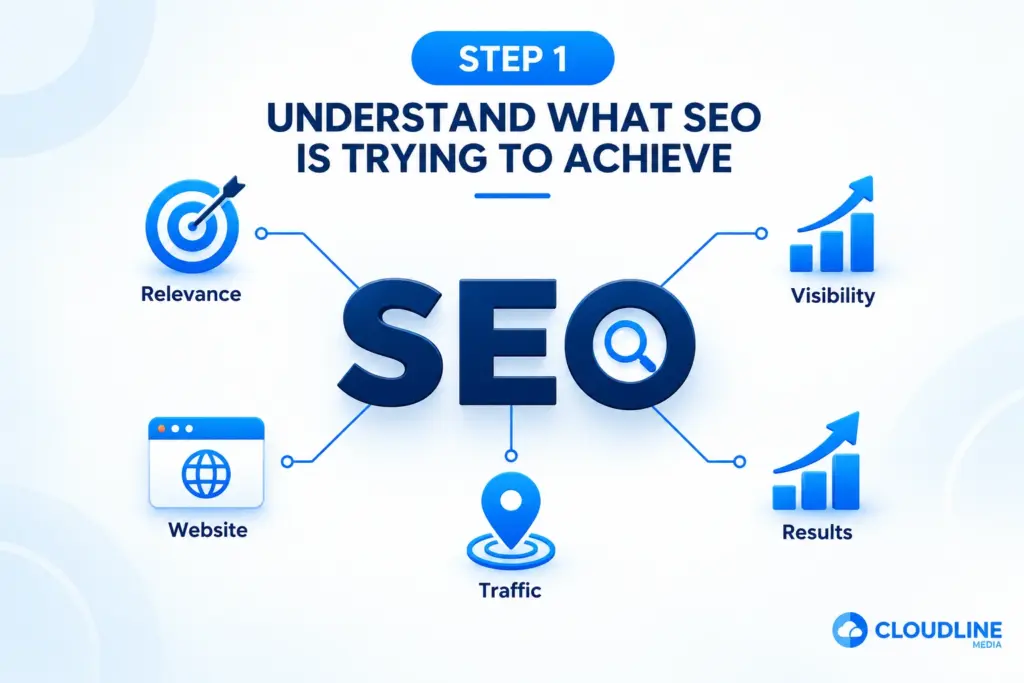
Step 1: Understand What SEO Is Trying to Achieve
SEO is the process of improving your website so search engines can understand its pages and connect them with relevant searches. The aim is not simply to appear on Google for as many searches as possible, but to become visible when people are searching for information, products or services related to your business.
For example, a local plumbing company would benefit more from attracting people searching for plumbing services in its area than thousands of visitors looking for unrelated information. Good SEO focuses on relevance, customer needs and creating a useful website experience.
Basic SEO normally includes:
- Keyword research
- Service page optimisation
- Page titles and headings
- Useful website content
- Internal links
- Local SEO
- Technical checks
- Website performance
- Search performance tracking
These different areas work together to help build stronger search visibility.
Step 2: Set Clear SEO Goals
Before changing your website, decide what you want SEO to achieve for your business. A clear goal makes it easier to choose which pages, keywords and areas of your website deserve the most attention.
Avoid focusing only on rankings. Appearing higher in search results is useful, but the real goal should usually be attracting relevant visitors who become enquiries, bookings or customers.
Your SEO goals could include:
- Increasing organic website traffic
- Generating more enquiries
- Increasing phone calls
- Improving visibility for important services
- Attracting customers from target locations
- Increasing online bookings
- Growing sales from organic search
Choose goals that connect directly with your wider business priorities.
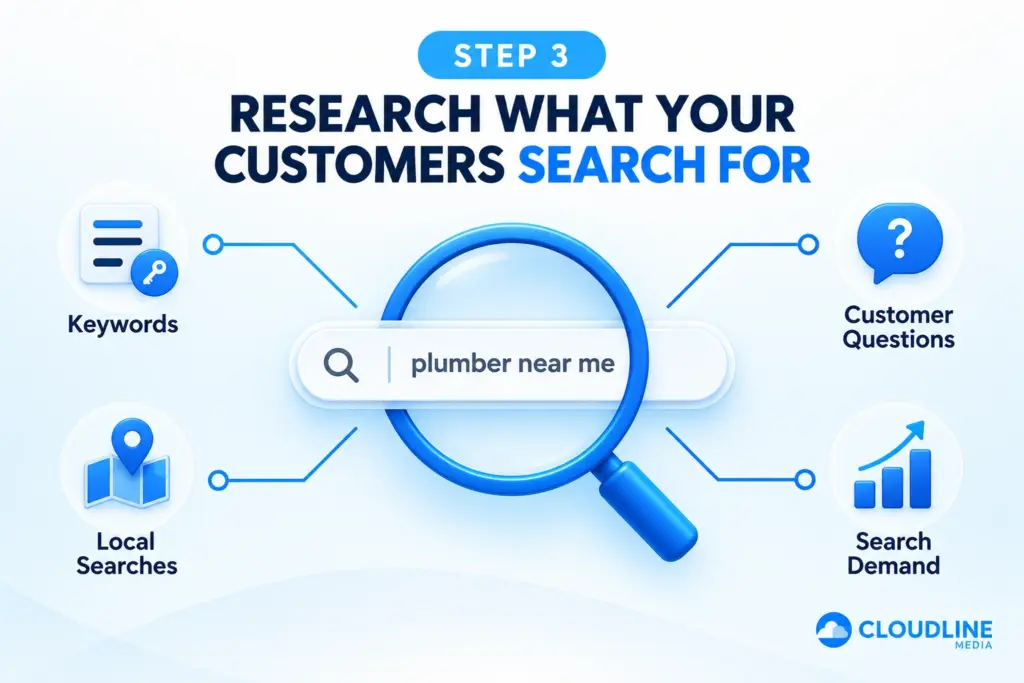
Step 3: Research What Your Customers Search For
Keyword research helps you understand the words and phrases potential customers use when searching online. These search terms can help you decide what pages to create and what information should appear on them.
Start by thinking like a customer rather than using internal industry terminology. If someone needed your service today, consider exactly what they might type into Google.
For example, searches could include:
- Plumber near me
- Kitchen fitter in Essex
- Local roofing company
- Bathroom installer near me
- Waste clearance services
- Website design for small businesses
You can also consider questions customers regularly ask because these can provide useful ideas for blogs, FAQs and supporting content.
Step 4: Focus on Search Intent
Finding a keyword is only part of the process. You also need to understand why somebody is searching for it, which is commonly called search intent.
Someone searching for “how much does a new kitchen cost?” is probably researching before making a decision. Someone searching for “kitchen fitter near me” is likely much closer to contacting a business. Your website should support different types of searches.
For example:
- Informational searches: Answer questions through blogs and guides.
- Service searches: Create detailed service pages.
- Local searches: Provide clear location and service-area information.
- Buying searches: Make contacting or purchasing simple.
Match each page with the needs of the person searching rather than forcing several unrelated topics onto one page.
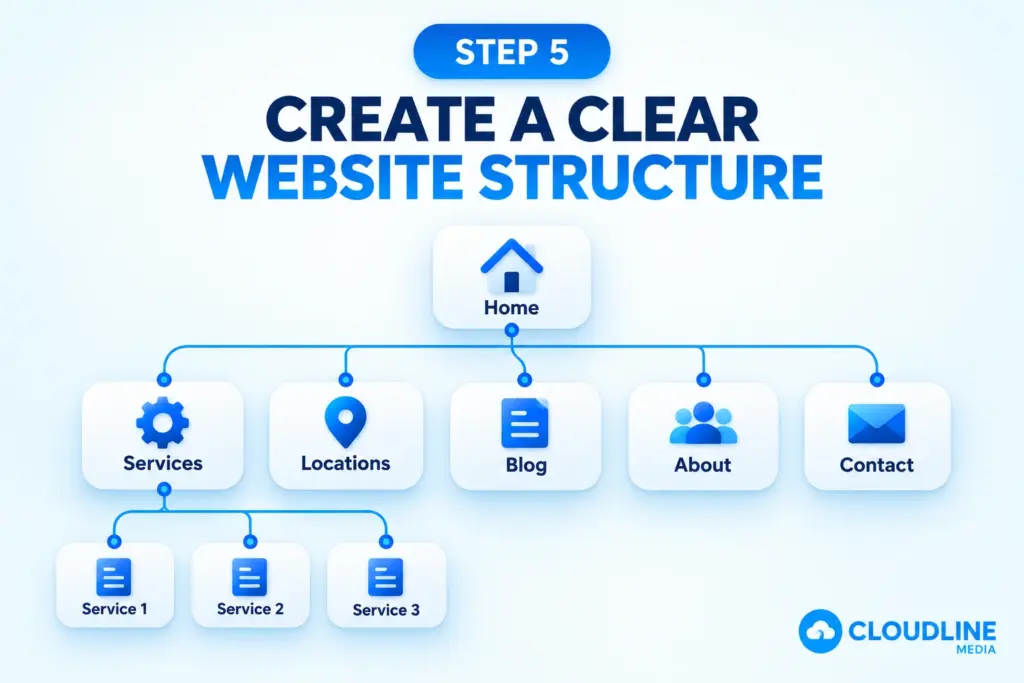
Step 5: Create a Clear Website Structure
A simple website structure makes it easier for customers to navigate your site and helps search engines discover important pages. Visitors should be able to move from your homepage to your main services without getting lost.
Plan your pages around your business rather than putting every service onto one page. If a service is important enough for customers to search for separately, consider giving it a dedicated page with useful information.
A typical business website might include:
- Homepage
- About page
- Main services page
- Individual service pages
- Location or service-area pages
- Case studies
- Blog
- Frequently asked questions
- Contact page
Keep the structure logical and avoid creating unnecessary pages that provide little value.
Step 6: Optimise Your Page Titles
The page title helps describe what a webpage contains and can influence how it appears in search results. Every important page should have a clear title that accurately reflects the content of that specific page.
Avoid using the same generic title across your entire website. A service page should describe the service, while a location page should clearly explain the service and area it covers.
For example:
Poor title:
Services | Company Name
Better title:
Bathroom Installation in Chelmsford | Company Name
Keep titles clear, relevant and written naturally for potential customers.
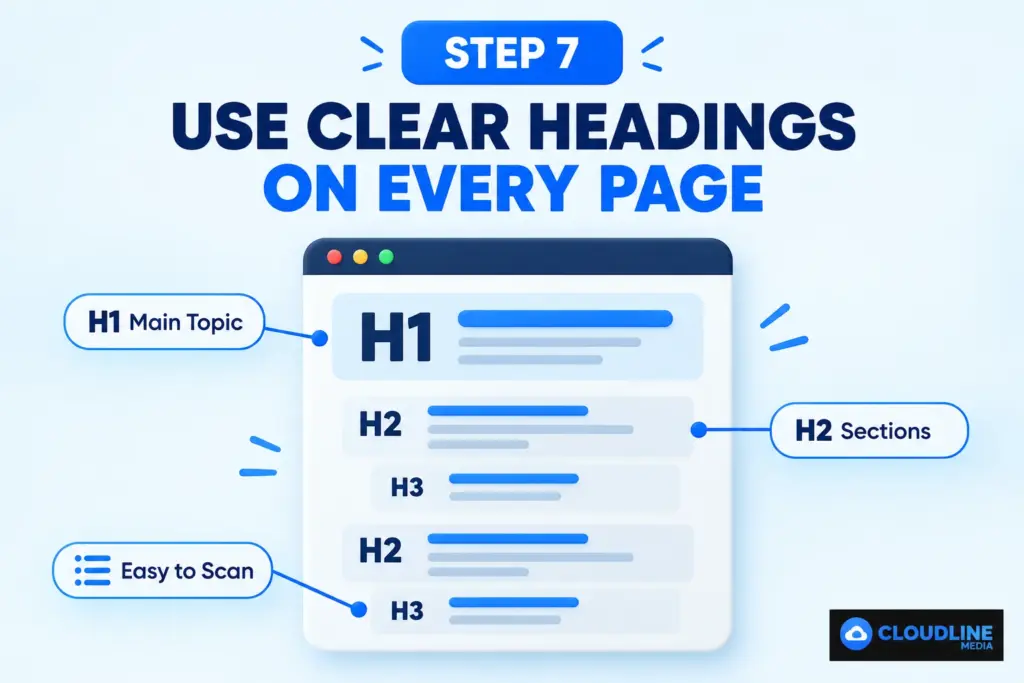
Step 7: Use Clear Headings on Every Page
Headings make website content easier to understand. Your main H1 heading should clearly describe the page, while H2 and H3 headings can break larger topics into smaller sections.
A visitor should be able to scan the headings and quickly understand what information the page contains. This also creates a clearer structure for search engines when they process your content.
For example, a roofing service page might include:
- H1: Roofing Services in Essex
- H2: Roof Repairs
- H2: New Roof Installation
- H2: Areas We Cover
- H2: Why Choose Our Roofing Services?
- H2: Request a Roofing Quote
Use headings naturally rather than filling each one with repeated keywords.
Step 8: Improve Your Service Pages
Your service pages are often some of the most important pages for business SEO. Each page should clearly explain what you provide and help visitors decide whether your service is right for them.
Avoid creating a service page containing only a few sentences. Give potential customers enough useful information to understand the service and confidently take the next step.
A strong service page can cover:
- What the service includes
- Who the service is suitable for
- Common customer problems
- How the process works
- Areas you cover
- Frequently asked questions
- Relevant customer reviews
- How to request a quote
Finish important service pages with a clear call to action.
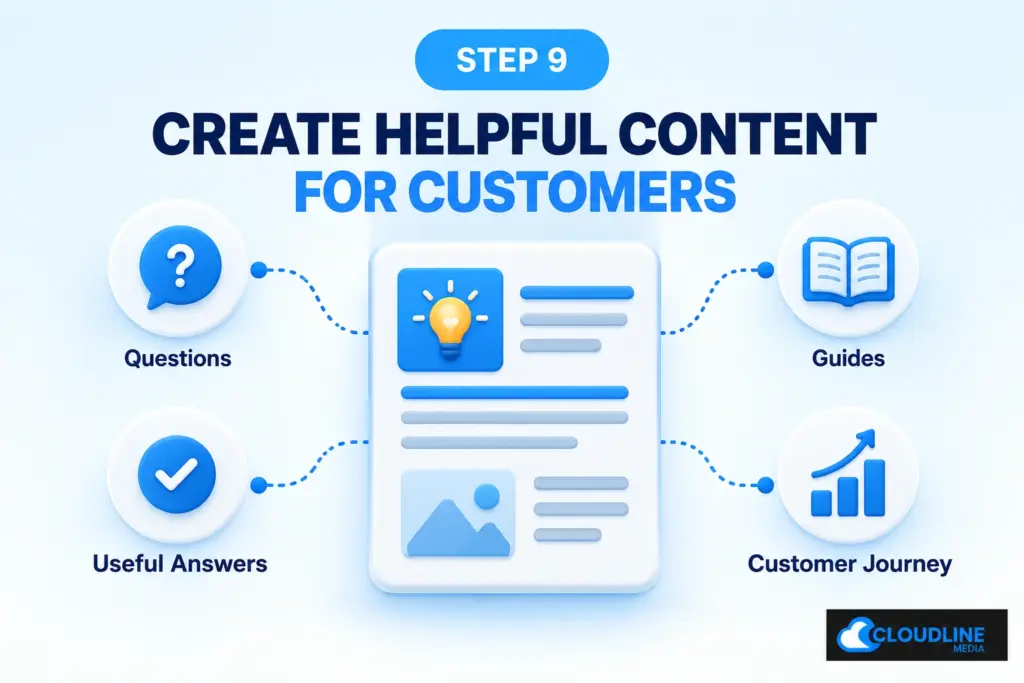
Step 9: Create Helpful Content for Customers
SEO content should help real people rather than existing only to target keywords. Think about the questions, concerns and problems customers have before choosing your service.
You can then create useful blog posts and guides around those topics. Helpful content gives your website more opportunities to appear during different stages of the customer journey.
Useful blog ideas might include:
- How much does a service cost?
- How long does the service take?
- How do I choose the right provider?
- What should I know before booking?
- What are the different options available?
- What are the most common problems?
- When should I contact a professional?
Focus on answering each question properly rather than creating large numbers of short, repetitive articles.
Step 10: Write Useful Meta Descriptions
A meta description is a short summary that can help explain what a page contains when it appears in search results. Google may use information from the page itself instead, but writing a useful description still gives search engines additional context.
Think of your meta description as an introduction to the page. It should accurately explain what somebody will find after clicking and give them a clear reason to visit.
For example:
Learn about our bathroom installation services in Chelmsford, including planning, fitting and renovation options. Request your quote today.
Keep descriptions relevant to the individual page and avoid repeating the same description across your website.
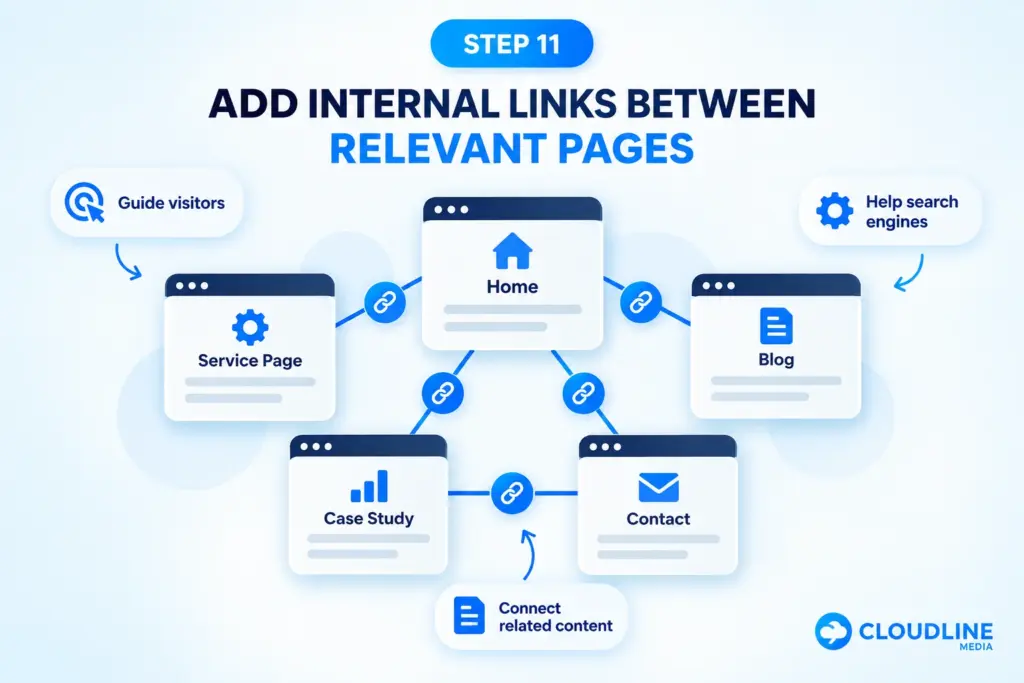
Step 11: Add Internal Links Between Relevant Pages
Internal links connect one page of your website to another. They help customers discover related information and can help search engines find and understand the relationship between your pages.
For example, a blog about bathroom renovation costs could naturally link to your main bathroom installation service page. A service page could also link to a relevant case study or contact page.
Good internal links might connect:
- Blogs to service pages
- Homepage to main services
- Service pages to related services
- Service pages to contact pages
- Blogs to other useful guides
- Location pages to relevant services
Use descriptive link wording so visitors understand where the link will take them.
Step 12: Optimise Your Images
Images can improve a website, but large or poorly prepared files can make pages slower. Use clear, relevant images and resize them appropriately before uploading them.
Give image files meaningful names where practical and use alt text to describe images when the description is useful for accessibility. Avoid filling alt text with repeated keywords.
Instead of:
IMG004785.jpg
A clearer filename could be:
bathroom-installation-chelmsford.jpg
Image optimisation should support both usability and website performance.
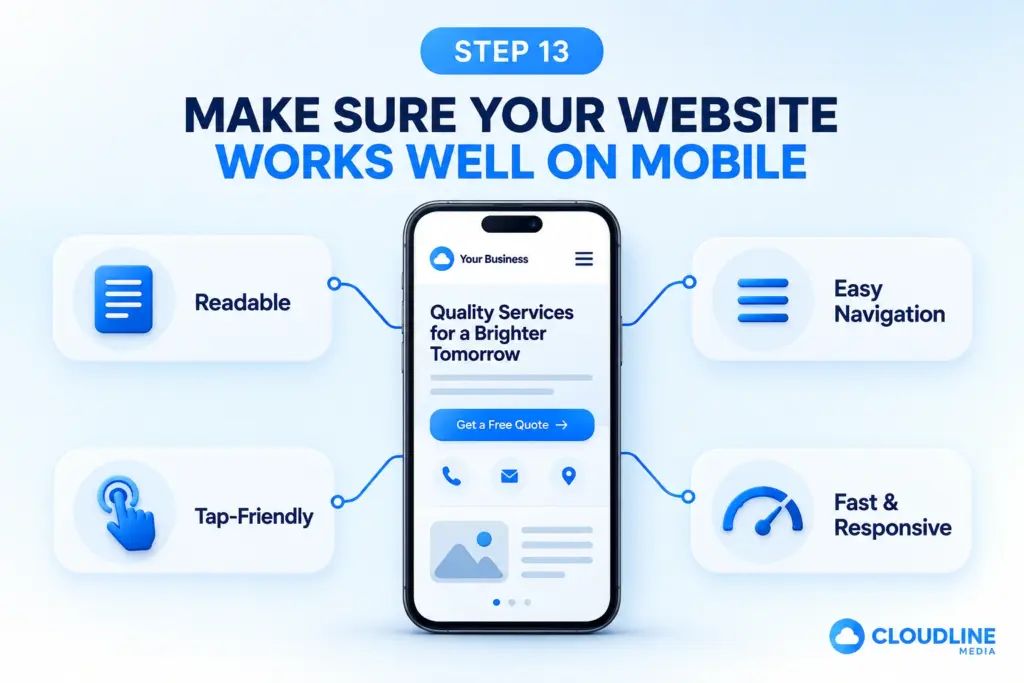
Step 13: Make Sure Your Website Works Well on Mobile
Potential customers may find your business while searching from a mobile phone. Your website therefore needs to be easy to navigate, read and use on smaller screens.
Check your important pages yourself rather than assuming they work correctly. Try completing the same actions you want a customer to complete.
Check whether:
- Text is easy to read
- Navigation works properly
- Buttons are easy to press
- Phone numbers are clickable
- Forms are simple to complete
- Images fit correctly
- Pages load properly
- Calls to action are visible
A poor mobile experience can cause potential customers to leave before making contact.
Step 14: Improve Website Speed and Performance
Website performance affects the experience visitors have when moving through your site. Slow pages can be frustrating, particularly for customers using mobile connections.
Start with simple improvements rather than making technical SEO unnecessarily complicated. Compress large images, remove unnecessary features and make sure your website uses suitable hosting.
Common causes of slow websites include:
- Oversized images
- Too many plugins
- Unnecessary animations
- Large video files
- Poor hosting
- Excessive scripts
- Outdated website software
If technical changes are outside your experience, ask your website developer to investigate them.
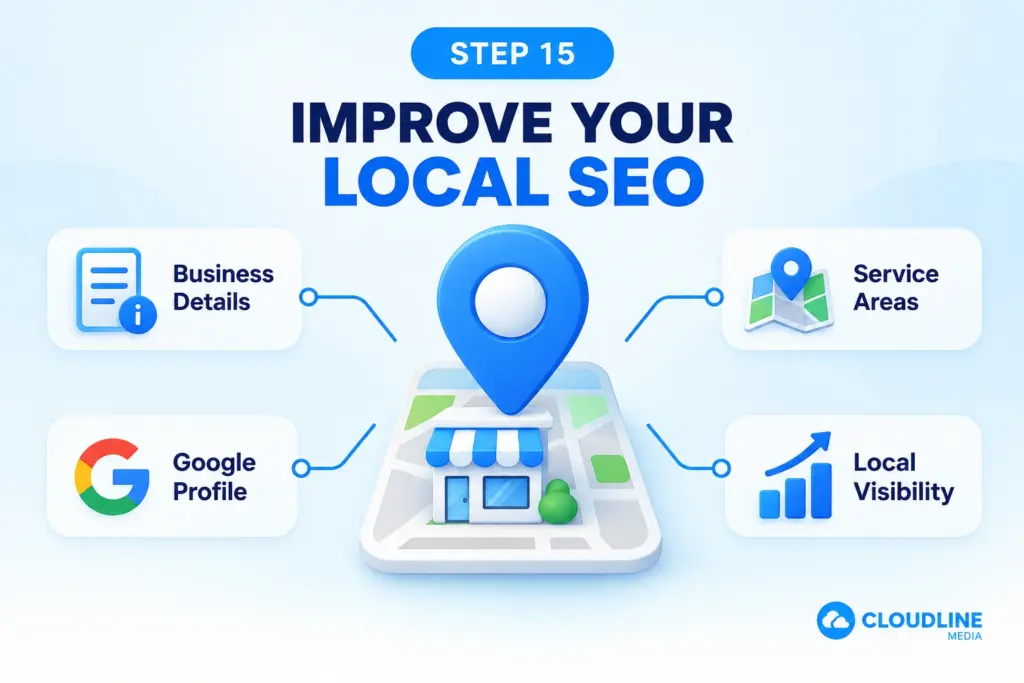
Step 15: Improve Your Local SEO
If your business serves customers within specific locations, local SEO should be part of your strategy. Clearly explain where you provide your services so potential customers and search engines can understand your geographic relevance.
Your website should also work alongside your Google Business Profile. Keep important business details accurate and consistent across both platforms.
Focus on information such as:
- Business name
- Phone number
- Address where applicable
- Service areas
- Opening hours
- Main services
- Website address
Local businesses can also create useful location content where there is enough genuine information to justify a dedicated page.
Step 16: Build Customer Reviews
Genuine customer reviews can help potential customers feel more confident about your business. Reviews provide useful proof from people who have already used your products or services.
Ask satisfied customers for feedback as part of your normal process. You can also display relevant reviews on your website where they support the customer’s decision.
Reviews can be placed on:
- Homepage
- Service pages
- Location pages
- Case studies
- Contact page
- Dedicated review page
Keep them relevant and genuine rather than filling pages with repeated testimonials.
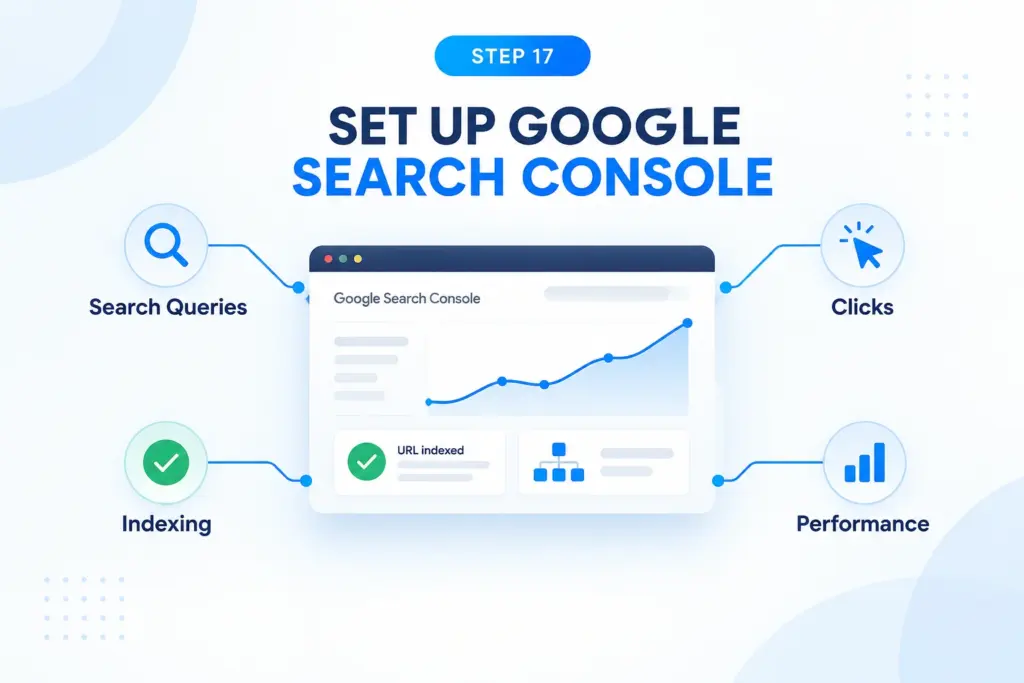
Step 17: Set Up Google Search Console
Google Search Console is a free tool that helps you understand how your website performs in Google Search. It can show which searches bring people to your website and highlight certain crawling or indexing problems.
Once your website is connected, review its performance regularly rather than checking rankings every day. Look for patterns that help you understand which pages and searches are creating useful visibility.
Search Console can help you monitor:
- Search impressions
- Clicks
- Search queries
- Website pages
- Indexing
- Sitemap information
- Technical issues
- Search performance
You can also submit a sitemap to help Google discover URLs on your website.
Step 18: Measure Enquiries, Not Just Rankings
Ranking positions can be useful, but they should not be your only measure of SEO success. A keyword ranking means very little if the people visiting your website never become customers.
Track the actions that have real value to your business. This allows you to understand whether your organic traffic is helping achieve your wider marketing goals.
Important actions might include:
- Phone calls
- Enquiry forms
- Quote requests
- Appointment bookings
- Email enquiries
- Online purchases
- Important button clicks
Step 19: Avoid Common Basic SEO Mistakes
SEO becomes unnecessarily difficult when businesses focus on shortcuts. You do not need to repeat the same keyword dozens of times or create hundreds of low-value pages to improve your website.
Focus instead on providing clear information, creating useful pages and maintaining a technically healthy website. Search engines increasingly aim to reward content that genuinely helps users. If an SEO technique makes a page worse for customers, reconsider whether it belongs on the website.
Avoid mistakes such as:
- Keyword stuffing
- Copying content
- Creating duplicate pages
- Buying poor-quality links
- Publishing useless blog content
- Using misleading page titles
- Ignoring mobile visitors
- Creating fake location pages
- Forgetting internal links
- Expecting instant results
Step 20: Review and Improve Your SEO Regularly
SEO is not a task you complete once and forget. Your services, competitors, website content and customer searches can change over time.
Set aside time to review your main pages, Search Console data and customer enquiries. Look for opportunities to improve existing content before automatically creating something new. Small improvements completed consistently can build a much stronger website over time.
A simple monthly SEO review could include:
- Checking Search Console
- Reviewing organic traffic
- Checking important service pages
- Updating outdated information
- Adding useful internal links
- Reviewing customer questions
- Checking forms and calls to action
- Fixing broken links
- Improving pages with low engagement
- Planning useful new content
Basic SEO Checklist for Your Business Website
Before moving into more advanced SEO, make sure the basic foundations are already in place. Getting these elements right can give your website a much clearer structure for both customers and search engines.
Work through this checklist and fix the most important gaps first. You do not need to complete everything in one day, but every improvement should make the website clearer, more useful or easier to discover.
- Identify your main SEO goals
- Research relevant customer searches
- Understand search intent
- Create individual service pages
- Use clear page titles
- Add useful headings
- Write original website content
- Create helpful blog articles
- Add relevant internal links
- Optimise website images
- Check mobile usability
- Improve website speed
- Complete your Google Business Profile
- Build genuine customer reviews
- Set up Google Search Console
- Submit your sitemap
- Track enquiries and conversions
- Review SEO performance regularly
Use this checklist as a starting point rather than trying complicated SEO techniques before your basic foundations are ready.
How Long Does Basic SEO Take to Work?
SEO results normally take time. Search engines need to discover pages, process changes and understand how your website relates to relevant searches, while competitive keywords may take longer to improve.
Do not expect every change to produce an immediate ranking increase. Focus on whether your overall visibility, relevant traffic and enquiries are improving over time, and continue strengthening the pages that matter most to your business.
Final Thoughts
Basic SEO is about making your business website easier for both customers and search engines to understand. Start with the services your customers actually search for, create useful pages around those needs and make sure your website provides a simple path from search result to enquiry.
You do not need to master every technical area of SEO before getting started. Build strong foundations, measure what is working and improve your website consistently. When your content, website structure, local presence and tracking work together, SEO can become a valuable source of relevant traffic and long-term business enquiries.