If you run a local business, being good at what you do is only part of the challenge. People also need to be able to find you when they search for the service or product you provide. That is where a Google Business Profile becomes essential.
A properly set up Google Business Profile can help your business appear across Google Search and Google Maps. It gives potential customers quick access to your phone number, website, opening hours, services, photos, reviews and other useful information.
Google describes Business Profile as a free way for eligible local businesses to manage how they appear on Search and Maps. So, if your profile is incomplete, outdated or missing completely, you could be making it harder for local customers to choose you.
What Is a Google Business Profile?
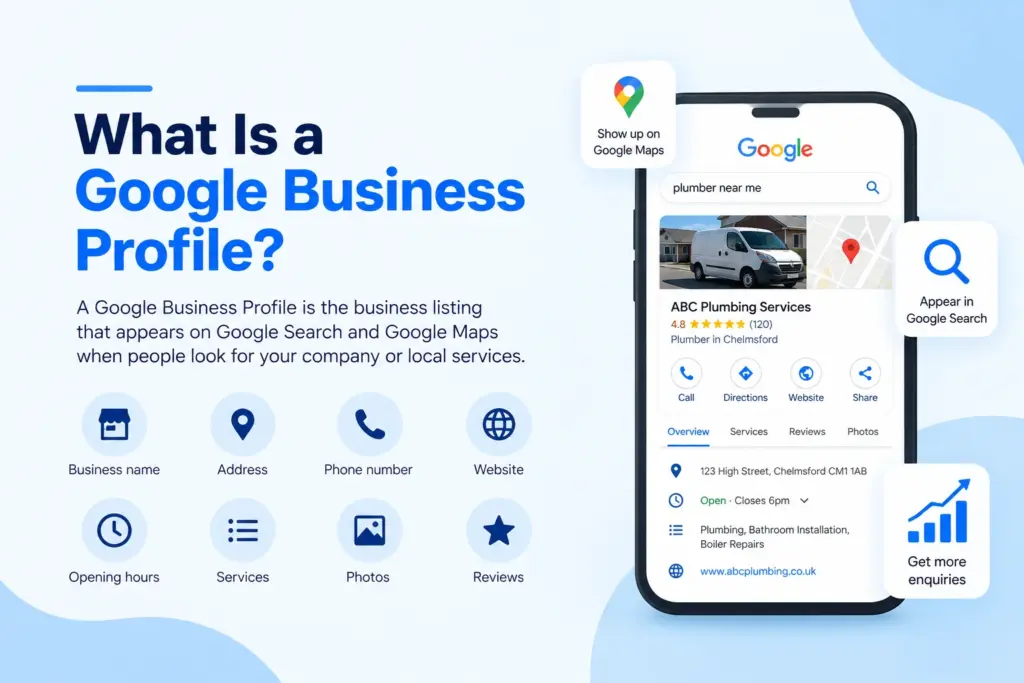
A Google Business Profile, previously known as Google My Business, is the business listing that can appear when somebody searches for your company or for relevant local services on Google. For example, somebody might search:
- Plumber near me
- Kitchen fitter in Essex
- Waste clearance near me
- Builder near me
Google can then display relevant local businesses through Search and Maps. Your profile can contain important information such as:
- Business name
- Address or service area
- Telephone number
- Website
- Opening hours
- Business categories
- Services
- Photos and videos
- Customer reviews
- Business description
- Updates and offers
- Selected business attributes
For customers, this makes it much easier to understand who you are, what you offer and how they can contact you. For the business, it creates another route through which enquiries can be generated.
1. It Helps Local Customers Find Your Business
When people need a local service, Google is often part of the research process. Instead of searching through directories or asking several people for recommendations, they can search directly for the service they need. Google Business Profiles can appear in both standard Google Search results and Google Maps.
That means a potential customer does not necessarily need to know your company name already. They may discover you simply because your business matches what they are searching for in their area. Without an optimised profile, competitors with stronger local visibility may get noticed first.
2. Google Business Profile Supports Local SEO
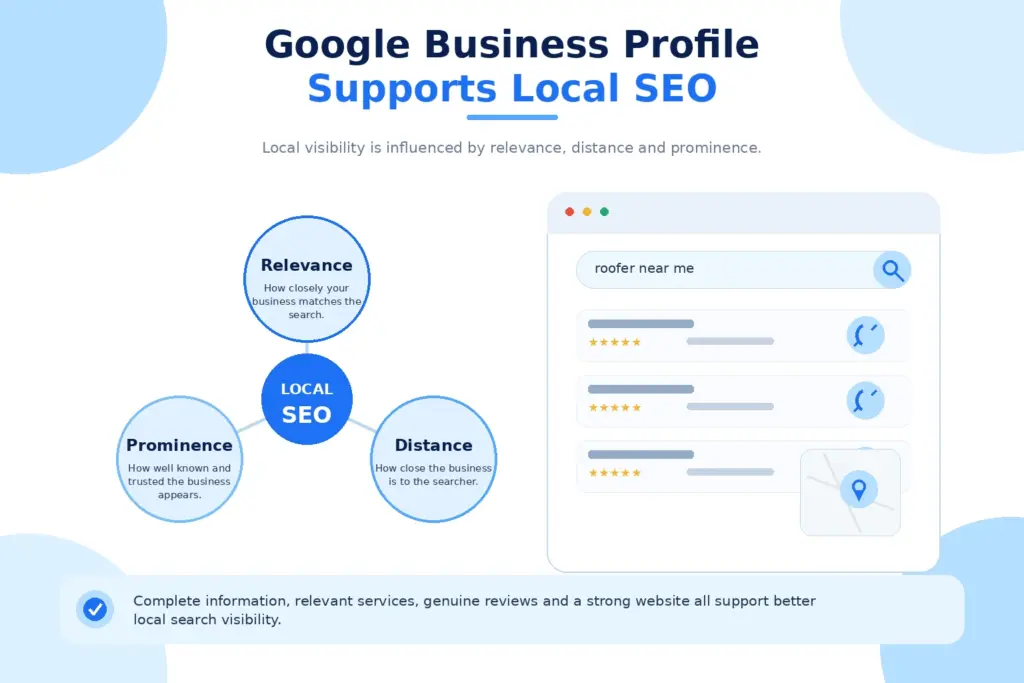
A website is important for SEO, but local businesses should not rely on their website alone. Your Google Business Profile is another major part of your local SEO strategy. Google explains that local results are mainly determined by three factors:
Relevance
Relevance is about how closely your business matches what somebody is searching for. Choosing appropriate categories, adding services and completing your business information can help Google understand what your business offers.
Distance
Distance considers how far the business is from the location of the person searching. You cannot optimise your way around geography, but you can make sure Google has accurate information about the areas your business genuinely serves.
Prominence
Prominence relates to how well known a business is. Google says factors such as links to a business and the number and quality of reviews can contribute to prominence and local ranking. This is why simply creating a profile is not enough. The goal should be to build a complete, accurate and active profile that gives both Google and potential customers useful information.
3. It Builds Trust Before Someone Visits Your Website
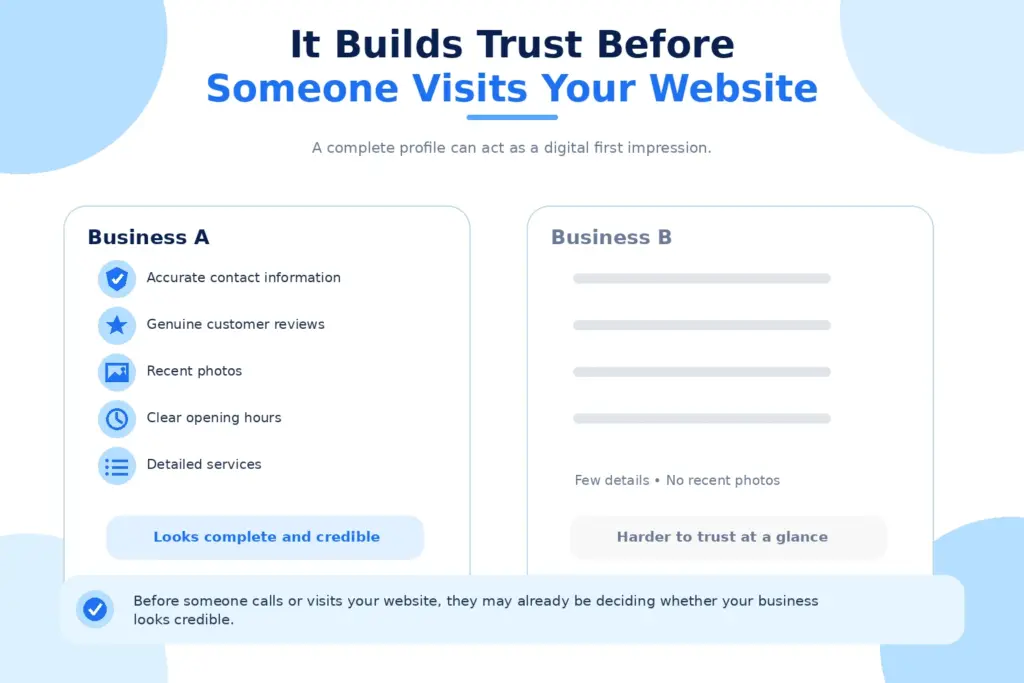
Imagine somebody finds two businesses offering exactly the same service. Business A has:
- Accurate contact information
- Plenty of genuine customer reviews
- Recent photos
- Clear opening hours
- Detailed services
- Responses to customer feedback
Business B has a half-finished profile with very little information. Which business is likely to feel safer to contact? Your Google Business Profile works as a digital first impression. Google itself describes the Business Profile as a local storefront across Maps and Search.
Before somebody calls, sends an enquiry or visits your website, they may already be using your profile to decide whether your business looks credible.
4. Google Reviews Can Influence Buying Decisions
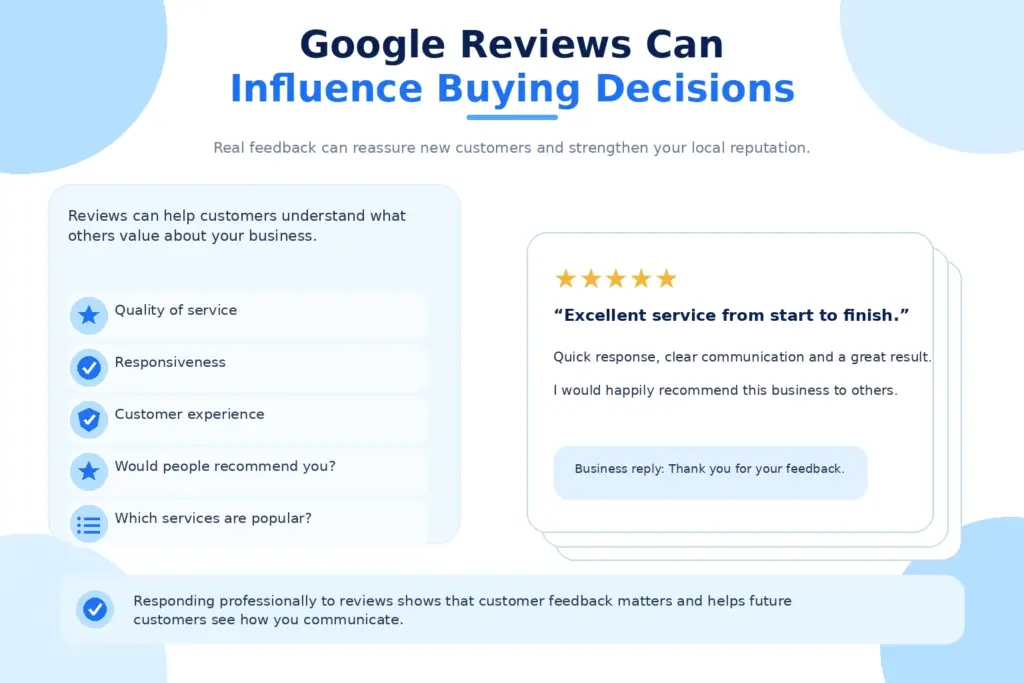
Reviews are one of the most valuable parts of a Google Business Profile. Potential customers naturally want reassurance that other people have had a positive experience. A strong collection of genuine reviews can provide that reassurance. Reviews can help communicate:
- The quality of your service
- How responsive you are
- What customers value about the business
- Whether customers would recommend you
- Which services people regularly use
Google recommends responding to reviews because it demonstrates that the business values customer feedback. Positive reviews and useful responses can also help a business stand out. Do not only reply to five-star reviews either. A calm and professional response to criticism can show potential customers how the business handles problems when something does not go perfectly.
5. It Can Turn Searches Into Enquiries
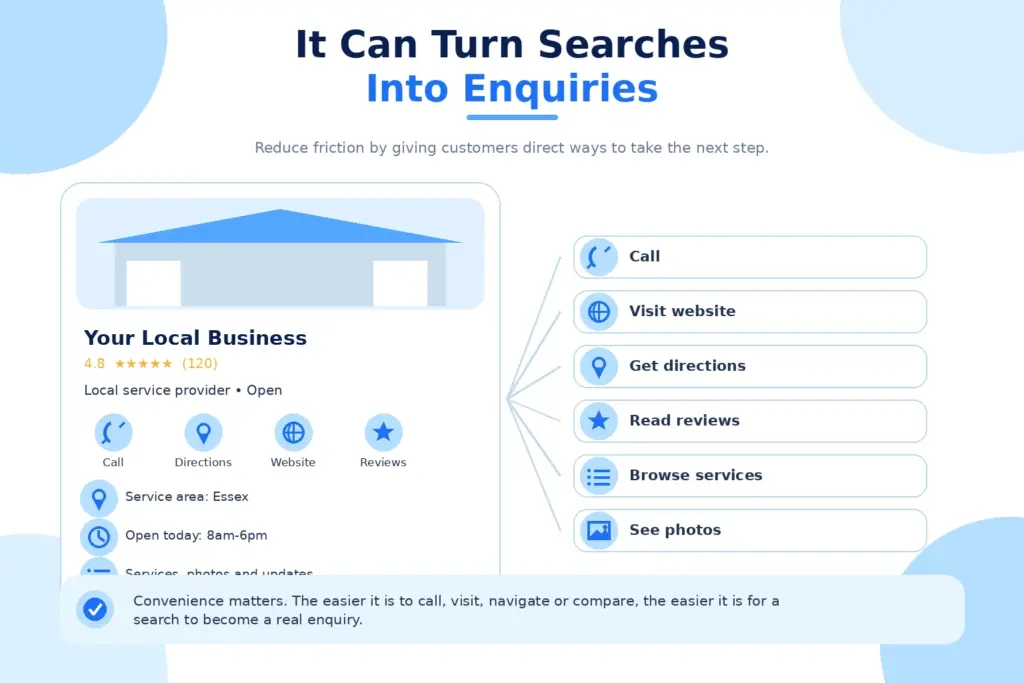
Visibility means very little if potential customers cannot easily take the next step. A properly completed Google Business Profile reduces friction. Depending on the business and profile features available, customers may be able to:
- Call the business
- Visit the website
- Get directions
- View opening hours
- Read reviews
- Browse services
- See photos
- View updates or offers
That creates a much shorter journey between finding your business and making contact. Instead of asking somebody to search for your website, hunt for a contact page and find your telephone number, key information can be displayed directly within Google.
For local service businesses, convenience matters. If someone needs a plumber, builder, clearance company or electrician quickly, making contact difficult gives them a reason to move to the next result.
6. You Can Control Important Business Information
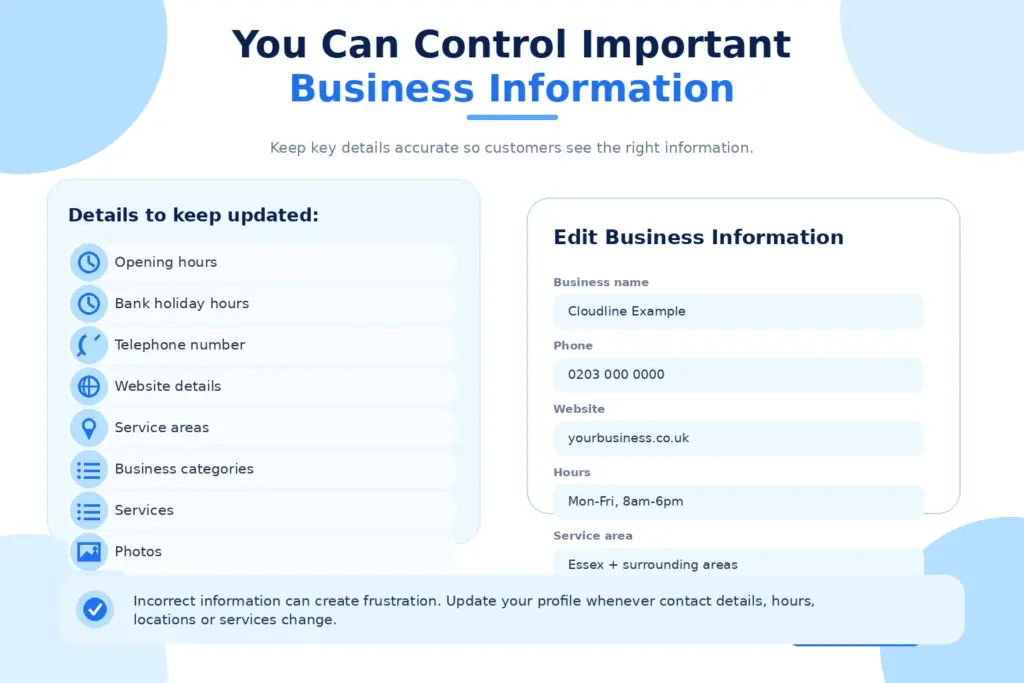
Google may collect business information from multiple sources, including websites, third-party data and contributions from users. Claiming and managing your profile gives you greater control over the information customers see. This is particularly important when information changes. For example, you may need to update:
- Opening hours
- Bank holiday hours
- Telephone numbers
- Website details
- Service areas
- Business categories
- Services
- Photos
- Business descriptions
Incorrect information creates unnecessary frustration. If Google says you are open but the business is actually closed, somebody may waste a journey or make a call that goes unanswered. Accurate information creates a much better customer experience.
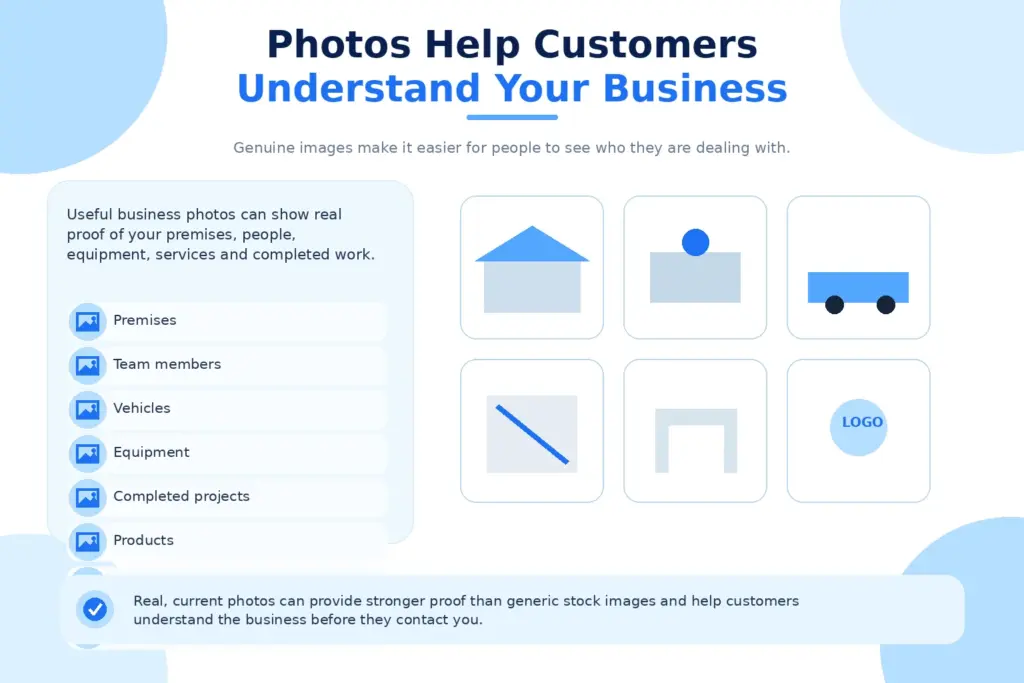
7. Photos Help Customers Understand Your Business
People want to see who they are dealing with. Adding genuine photos can make your Google Business Profile far more useful. Google recommends uploading photos that accurately represent the business, its location, products or services. Depending on your type of business, useful images could include:
- Your premises
- Team members
- Vehicles
- Equipment
- Completed projects
- Products
- Service environments
- Your logo
- Your working process
For trades and local service companies, real photos can be particularly valuable. Stock photography may fill empty space, but genuine business images provide stronger evidence that there is a real company behind the listing.
8. It Helps You Compete With Other Local Businesses
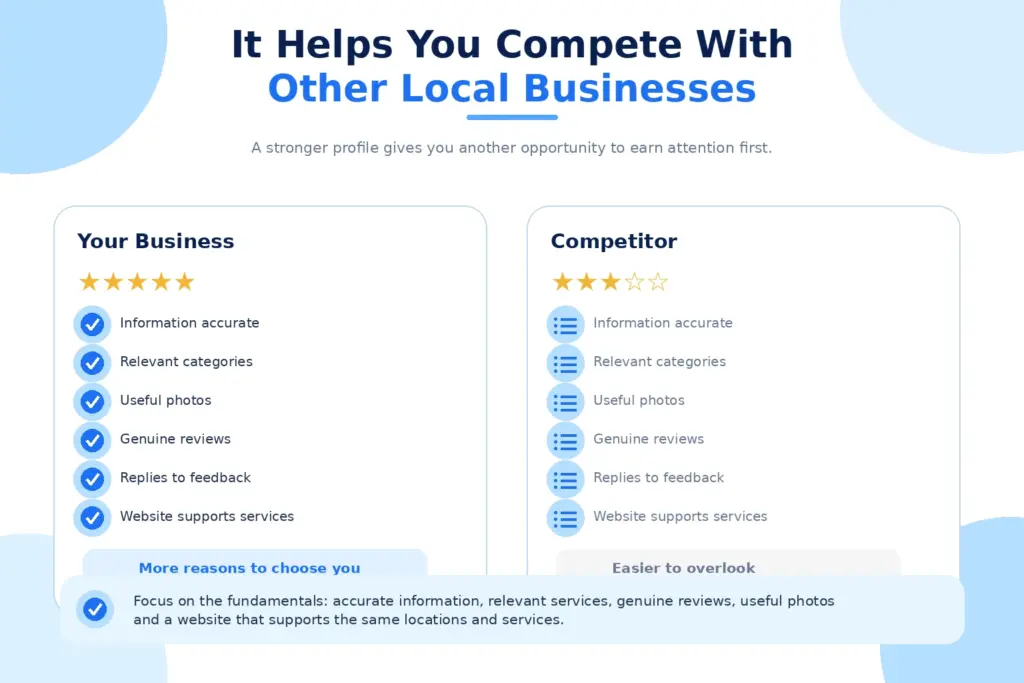
Your competitors are fighting for the same local customers. If their Google Business Profiles are more complete, better reviewed and regularly updated, they have another opportunity to earn attention before customers reach your website. This does not mean stuffing your profile with keywords or trying to manipulate rankings.
Google specifically states that businesses cannot request or pay for better local rankings. A stronger approach is to focus on the fundamentals:
- Keep information accurate
- Choose relevant categories
- Add genuine services
- Upload useful photos
- Collect legitimate customer reviews
- Respond to feedback
- Keep the profile active
- Make sure your website supports the same services and locations
Local SEO works best when the different parts of your online presence support each other.
9. Google Business Profile and Your Website Work Better Together
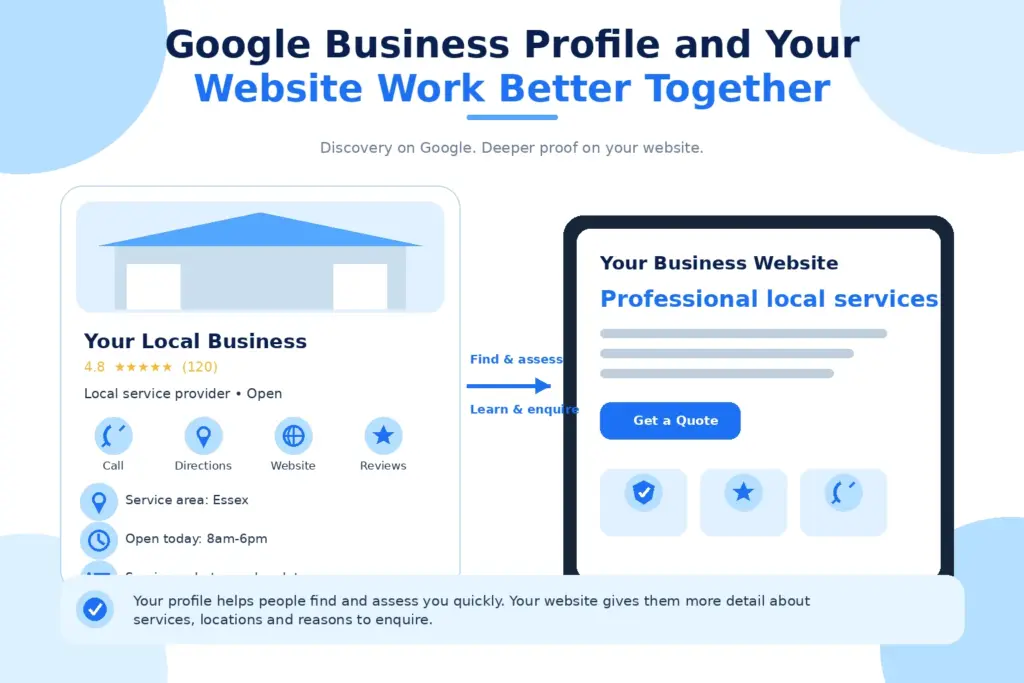
A Google Business Profile should not replace your website. The two serve different purposes. Your Google profile helps people find and assess you quickly. Your website gives them more detail about your services, experience, locations and reasons to enquire.
A potential customer might discover the company through Google Maps, check its reviews, visit the website, read a service page and then make contact. That is why the strongest local marketing strategies connect Google Business Profile optimisation with a well-built website and ongoing SEO.
For Cloudline Media, this connection sits within the first stage of its P.A.C.T framework. Google Business Profile setup, website performance, review collection and analytics work together to build a stronger online presence.
Who Should Have a Google Business Profile?
Google Business Profiles are designed for eligible businesses that have in-person contact with customers, either at a physical location or by travelling to customers within a service area. That can include businesses such as:
- Builders
- Electricians
- Plumbers
- Roofers
- Landscapers
- Waste clearance companies
- Kitchen installers
- Bathroom installers
- Estate agents
- Restaurants
- Cafes
- Hairdressers
- Beauty businesses
- Garages
- Accountants with customer-facing premises
- Local shops
- Cleaning companies
- Property maintenance businesses
Service-area businesses can also use Google Business Profile without publicly displaying a home address where appropriate. The important point is to follow Google’s eligibility and representation guidelines.
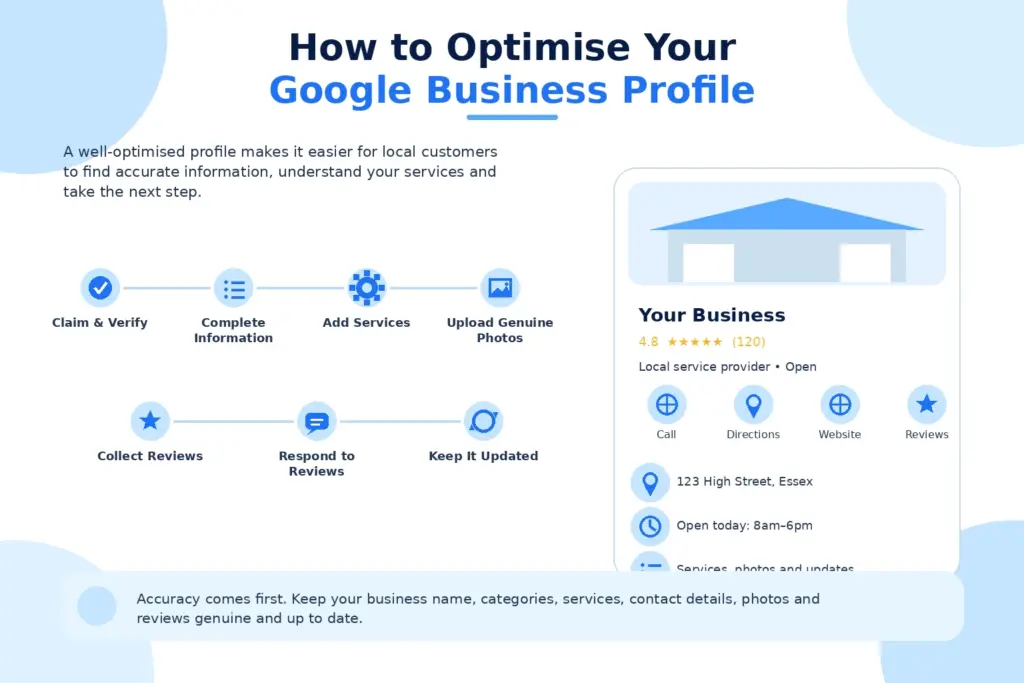
How to Optimize Your Google Business Profile
Optimizing your Google Business Profile helps your business appear more clearly in local searches and gives potential customers the information they need to take action. Keep your details accurate, add relevant services and photos, collect genuine reviews, and update your profile regularly to improve visibility and trust.
Step 1: Claim and Verify Your Business
Search for your business first to check whether a profile already exists. If it does, claim it rather than creating an unnecessary duplicate. If no profile exists, create one and complete Google’s verification process. Google states that verification confirms you are authorised to represent the business.
Step 2: Complete Your Business Information
Once your profile is verified, fill in all the important business details so customers can quickly understand who you are and what you offer. Add your correct business name, phone number, website, opening hours, address or service area, and business description.
- Business name
- Primary category
- Secondary categories
- Telephone number
- Website
- Address or service area
- Opening hours
- Business description
- Services
- Relevant attributes
Avoid adding information purely to manipulate search rankings. Accuracy should always come first.
Step 3: Add Your Services
Tell potential customers exactly what you provide. A builder, for example, should not stop at simply choosing “Builder” as the category. Where appropriate, the profile can provide more detail around the actual services customers are likely to need. This also helps create consistency between your Business Profile and your website.
Step 4: Upload Genuine Photos
Do not create the profile and leave it visually empty. Add useful, current photographs that help potential customers understand the business. Keep uploading new images as the business completes more jobs, introduces services or has something useful to show.
Step 5: Start Collecting Reviews
Build review collection into your normal customer process. After completing a job successfully, ask the customer whether they would be happy to leave an honest Google review. Google provides businesses with a review link that can be shared directly with customers. Never buy reviews or create fake ones. Real feedback is far more valuable.
Step 6: Respond to Reviews
Take time to reply. You do not need a lengthy response every time. A short, genuine reply shows that customer feedback is being acknowledged and gives future customers another positive signal when researching the business.
Step 7: Keep the Profile Updated
Keep your Google Business Profile updated so customers always see accurate information about your business. Regularly check your opening hours, contact details, services, photos, and website links, and make changes whenever something changes. An up-to-date profile helps build trust and makes it easier for potential customers to take the next step.
Common Google Business Profile Mistakes
Small mistakes in your Google Business Profile can reduce trust and make it harder for customers to find the right information. Incomplete details, outdated opening hours, incorrect categories, ignored reviews, or duplicate profiles can all affect how professional your business appears. Regularly reviewing your profile helps keep it accurate, useful, and ready to attract local customers.
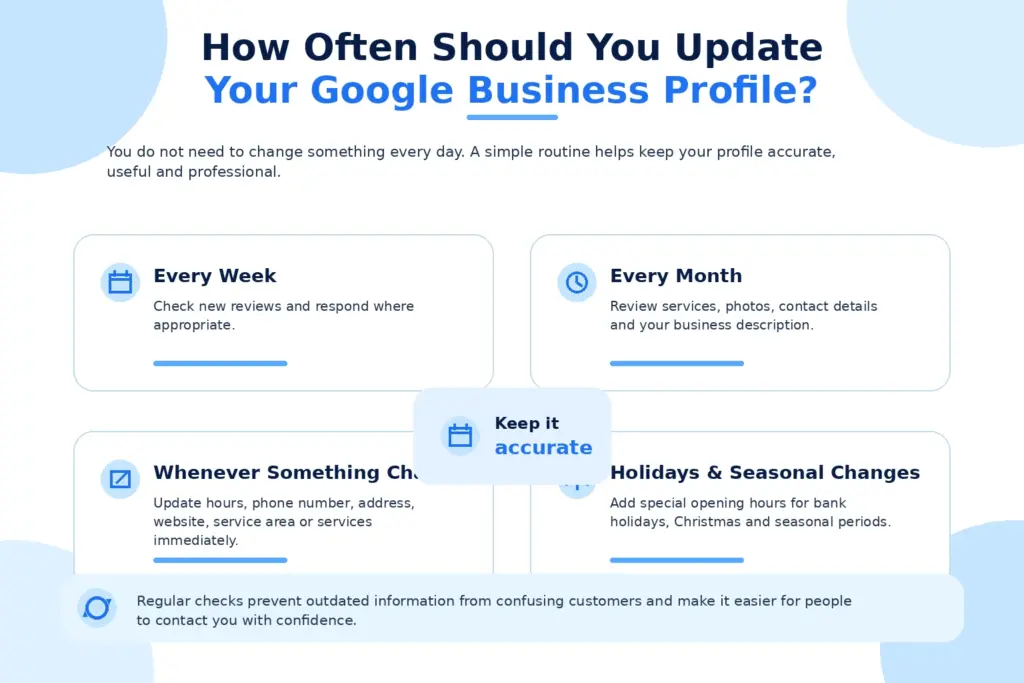
How Often Should You Update Your Google Business Profile?
You do not need to update your Google Business Profile every day, but regular checks are important to keep your information accurate and useful. A simple weekly and monthly routine can help you maintain a strong and professional local presence.
Every Week
Check for new customer reviews and respond where appropriate. You should also make sure there are no recent questions, updates, or small changes that need your attention.
Every Month
Review your services, business description, photos, contact details, and other important information. Adding fresh images or useful updates can also help keep your profile relevant for potential customers.
Whenever Something Changes
Update your profile as soon as your opening hours, phone number, address, website, service area, or services change. This helps prevent confusion and makes sure customers always see the correct information.
During Holidays or Seasonal Changes
Remember to update special opening hours during bank holidays, Christmas, or other seasonal periods. Keeping these details accurate can help customers plan ahead and avoid unnecessary frustration.
Is a Google Business Profile Enough on Its Own?
No, a Google Business Profile is important for local visibility, but it works best as part of a wider digital marketing strategy. To attract and convert more local customers, your profile should work alongside your website, reviews, SEO, and performance tracking.
Think of each part as having a different role:
- Google Business Profile improves local visibility: It helps potential customers discover your business through Google Search and Maps.
- Customer reviews build trust: Genuine reviews give people more confidence when deciding whether to contact your business.
- Your website provides more information: Service pages, location pages, FAQs, and contact details help customers understand exactly what you offer.
- SEO increases your reach: A strong local SEO strategy can help your website appear for more relevant searches in your target areas.
- Tracking shows what is working: Analytics can reveal where visitors and enquiries are coming from, helping you make better marketing decisions.
When these elements work together, potential customers get a clearer journey from discovering your business to making an enquiry. A Google Business Profile can attract attention, but your wider online presence helps turn that attention into real business.
Final Thoughts
If you depend on customers from a specific town, city or service area, your Google Business Profile should be treated as a core part of your online presence. It can help you appear in local searches, give customers essential information, collect reviews, demonstrate credibility and create a direct route towards an enquiry.
But simply having a profile is not the goal. It needs to be accurate, complete and properly connected with the rest of your digital presence. If your Google Business Profile is missing, incomplete or has not been reviewed for months, now is a good time to fix it.